
Rust - HTML to Image Example
Generate PNG, JPG, WebP, and PDF output with Rust, using HTML/CSS or reusable templates rendered in Google Chrome.
Generating images with Rust
- Send your HTML/CSS to the API.
- The API renders it in Google Chrome.
- Read the generated image URL from the JSON response.
See Creating an image for request parameters. A response includes the image's url and id.
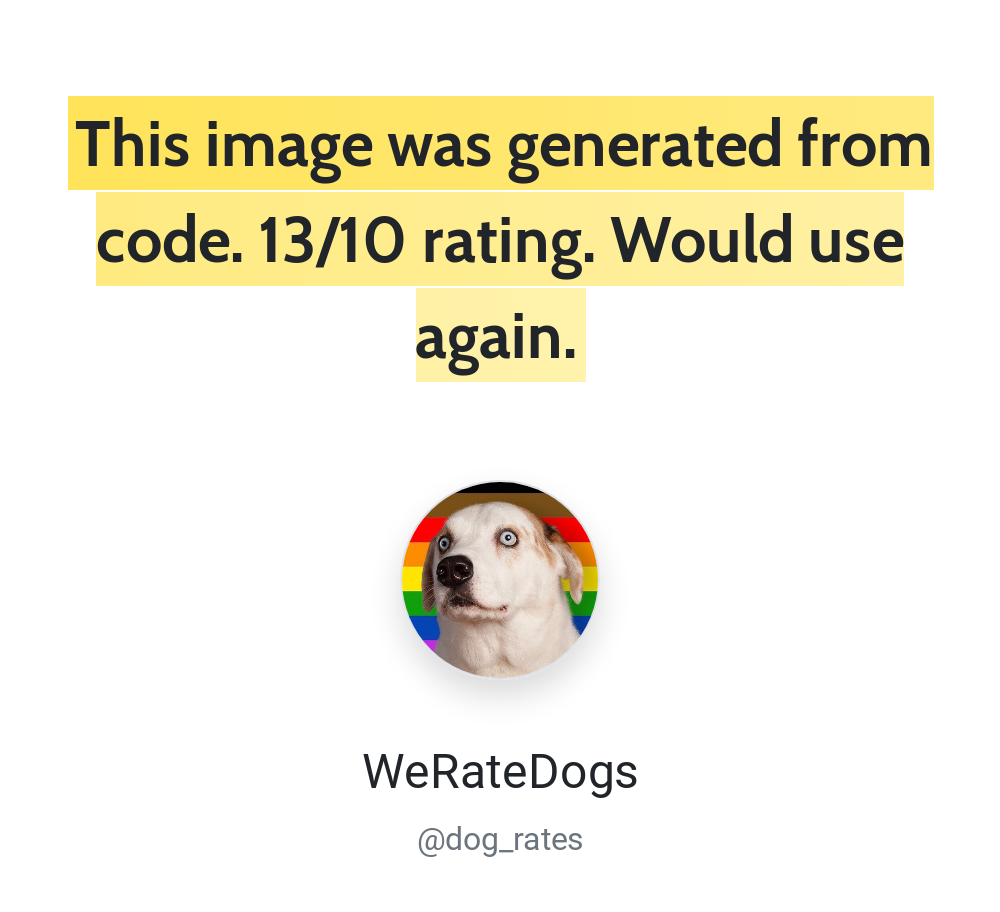
Authentication with Rust
Use HTTP Basic authentication with your API ID as the username and API key as the password. Find both in the dashboard. Keep credentials in server-side configuration or environment variables.
Rust example code
The example sends a POST request to https://hcti.io/v1/image. Image creation requires images:create. See authentication and API keys for scoped credentials and access errors.
Rust’s standard library does not include an HTTP client. This example uses reqwest for HTTP and serde_json to build the JSON request body.
Add the dependencies to your Cargo.toml:
[dependencies]reqwest = { version = "0.12", features = ["blocking", "json"] }serde_json = "1"use serde_json::json;use std::error::Error;
fn main() -> Result<(), Box<dyn Error>> { let user_id = "your-user-id"; let api_key = "your-api-key";
let client = reqwest::blocking::Client::new(); let payload = json!({ "html": "<div class='box'>Rust ✅</div>", "css": ".box { border: 4px solid #03B875; padding: 20px; font-family: Roboto, sans-serif; }", "google_fonts": "Roboto" });
let response = client .post("https://hcti.io/v1/image") .basic_auth(user_id, Some(api_key)) .json(&payload) .send()? .error_for_status()?;
let body = response.text()?; println!("{body}");
// {"url":"https://hcti.io/v1/image/1113184e-419f-49f1-b231-2069942a186f"} Ok(())}Need help?
Talk to a human. Email support@htmlcsstoimage.com and we’ll help you get started.