
Instagram embed
Learn how to use the API to generate an image from an Instagram post.
How it works
Section titled “How it works”To generate a screenshot of an Instagram post, you can make use of the Instagram embed API.
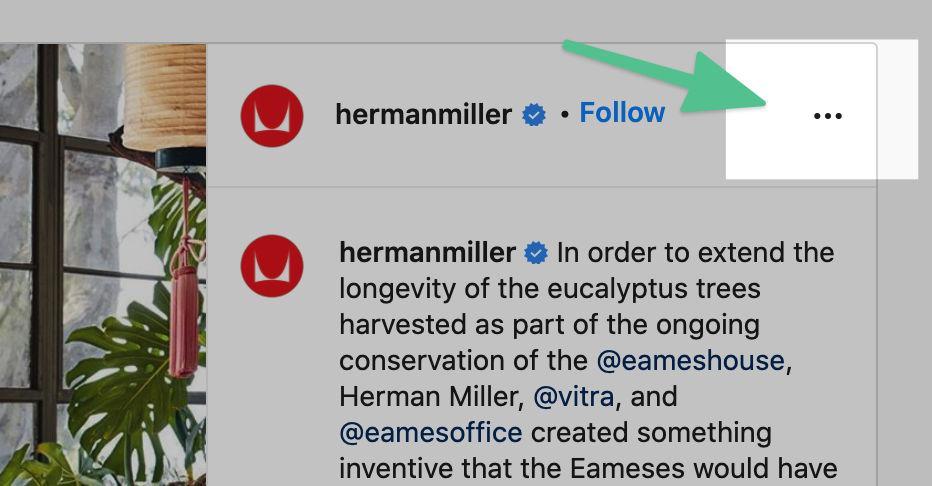
You can generate this code yourself by viewing an Instagram post in a web browser. Clicking the top right hamburger menu, and then “Embed”.
Example code
Section titled “Example code”Copy this example, and swap out the href to create an image of any post you’d like.
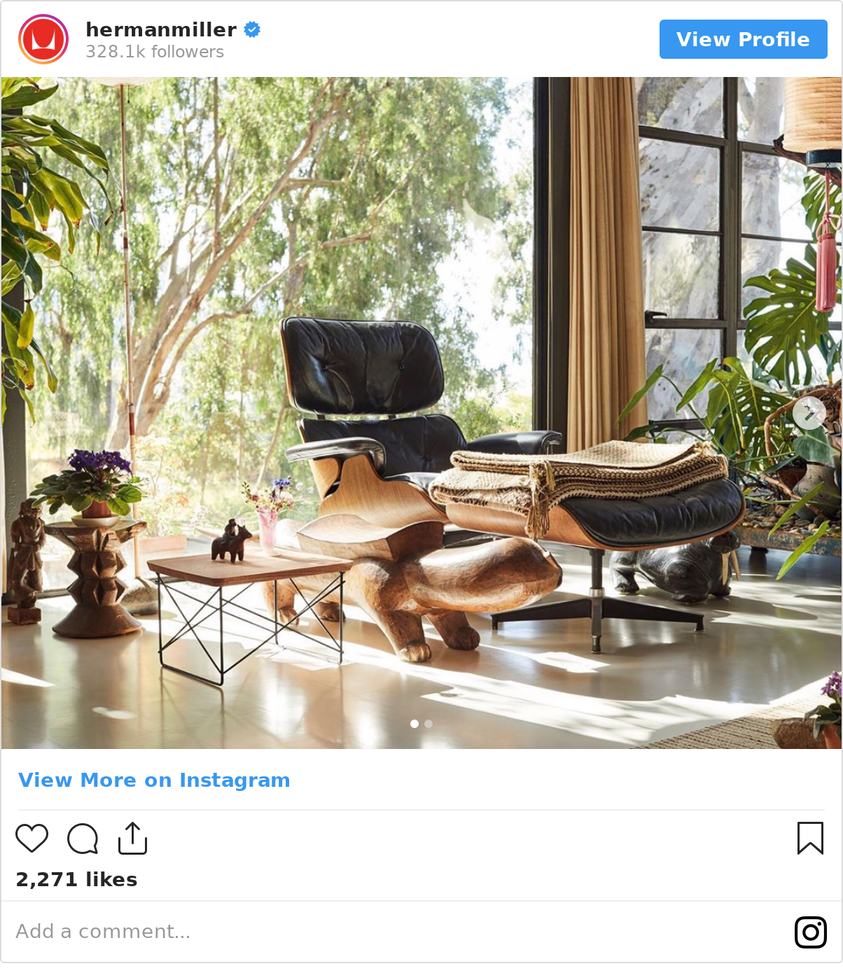
HTML
<blockquote style = 'width:600px;' class='instagram-media' data-instgrm-version='14'>
<!-- replace this href with the link to the post --><a href='https://www.instagram.com/p/CWA2UbCs6x_/' ></a>
</blockquote><script src="https://www.instagram.com/embed.js"></script>
Important: set these parameters when creating the image.
- selector:
.instagram-media-rendered - ms_delay:
1750
Need help?
Talk to a human. Email support@htmlcsstoimage.com and we’ll help you get started.