
Rendering emoji
Emoji rendering is built in and handled automatically for you.
How it works
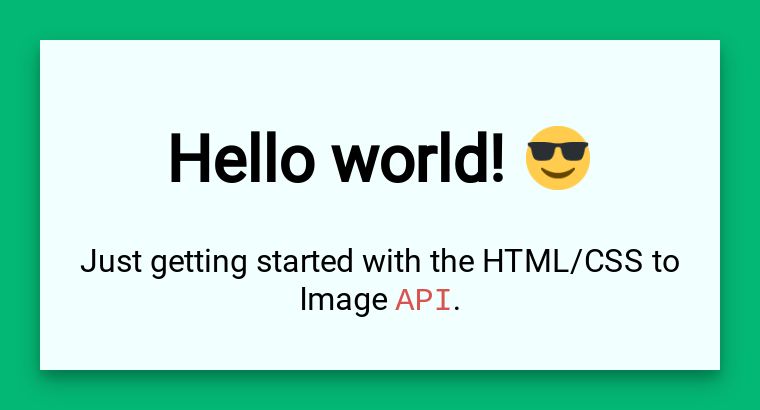
Section titled “How it works”Emoji’s are automatically replaced with images for consistent and clear rendering. This is enabled for you by default.
emoji class
Section titled “emoji class”Each image has an emojiclass added to it on render. This makes it easy to tweak their display.
Here is the default CSS we apply to all emoji. To make tweaks, adjust it and include it in your CSS to override the defaults.
/* Take advantage of the built in 'emoji' class to modify the display of emoji */img.emoji { height: 2em; width: 2em; margin: 0 .05em 0 .1em;}Disabling Twemoji
Section titled “Disabling Twemoji”By default, we use Twemoji to render emoji as images for consistent cross-platform display. If you prefer to use the native emoji fonts instead (the API runs on Linux servers), you can disable Twemoji with the disable_twemoji parameter.
When to disable Twemoji
Section titled “When to disable Twemoji”- You’re using a custom emoji font
- You prefer the native system (linux) emoji appearance
Example
Section titled “Example”{ "html": "<div>Hello 👋 World 🌍</div>", "disable_twemoji": true}Need help?
Talk to a human. Email support@htmlcsstoimage.com and we’ll help you get started.